
How to Shut Down a Four-in-One Detectors?
Publication Date:2025/12/01For users of four-in-one detectors, proper shutdown not only extends the device's lifespan but also ensures accurate data and stable performance during subsequent use. Below, Yiyuntian Eranntex provides a detailed guide on the shutdown procedure and related precautions.
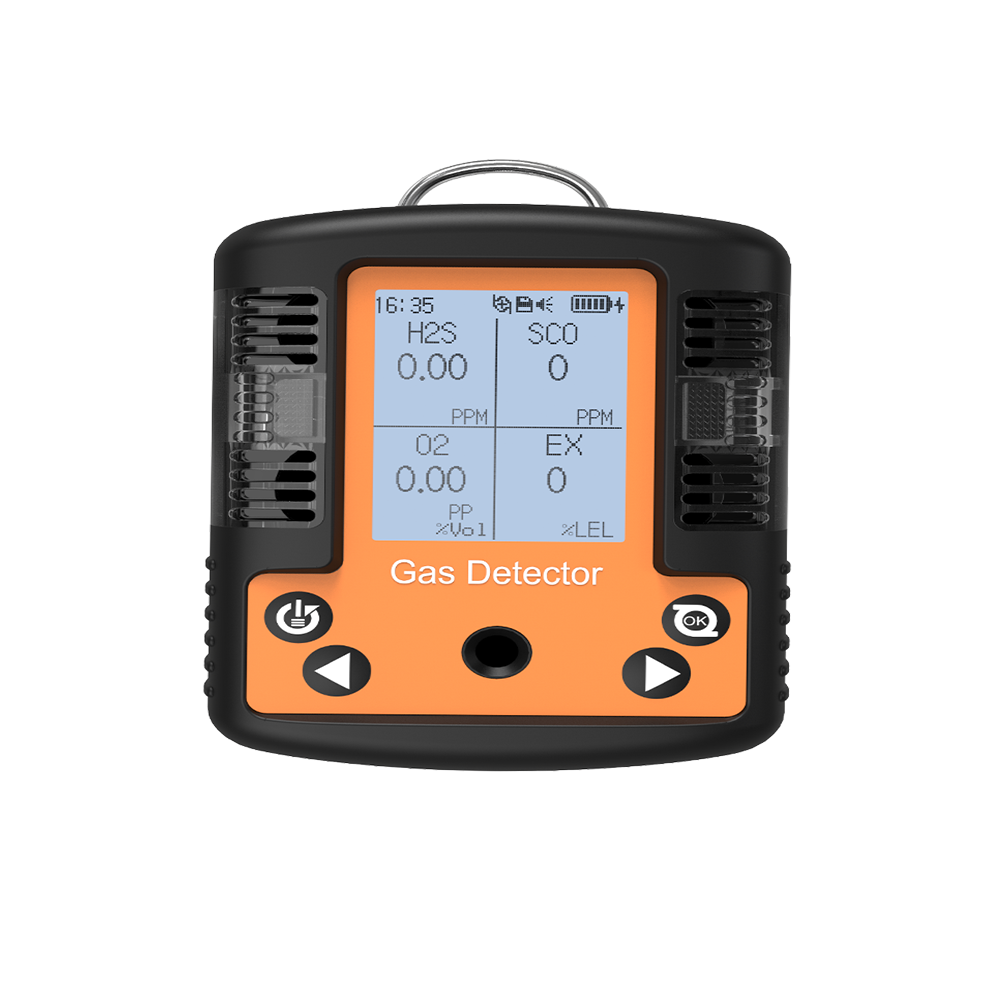
Understanding the Basic Structure of a Four-in-One Detectors
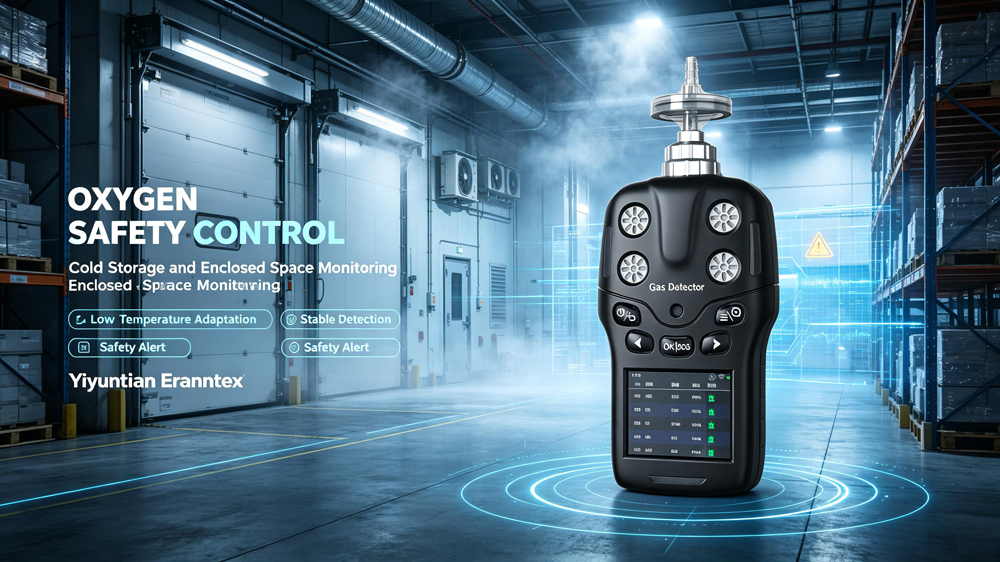
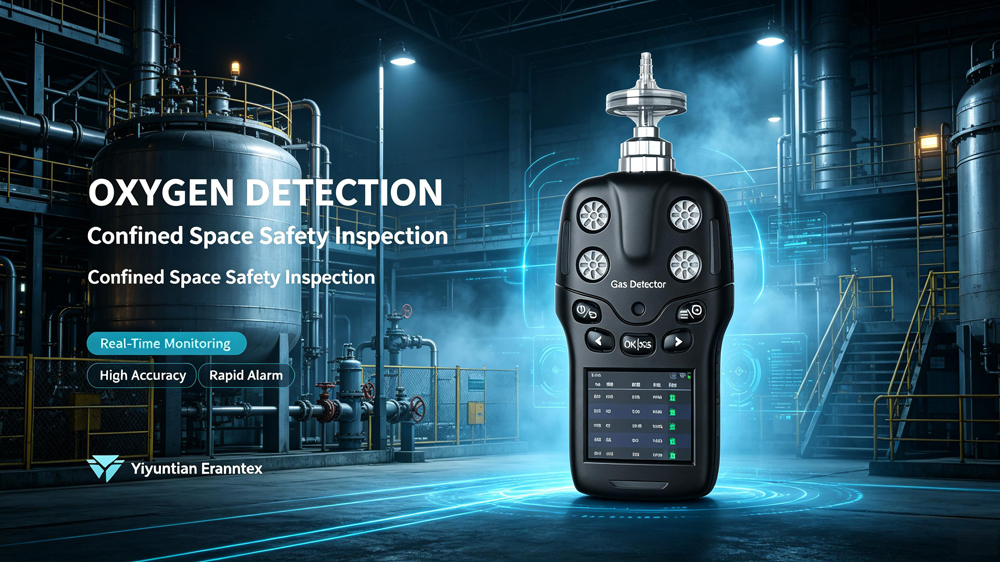
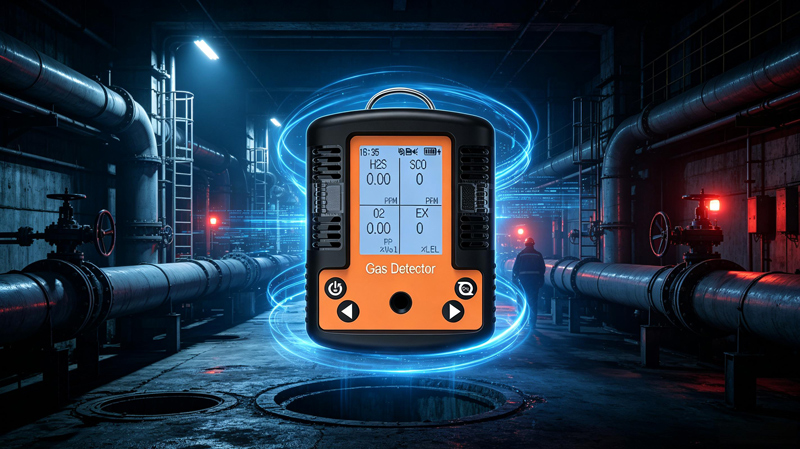
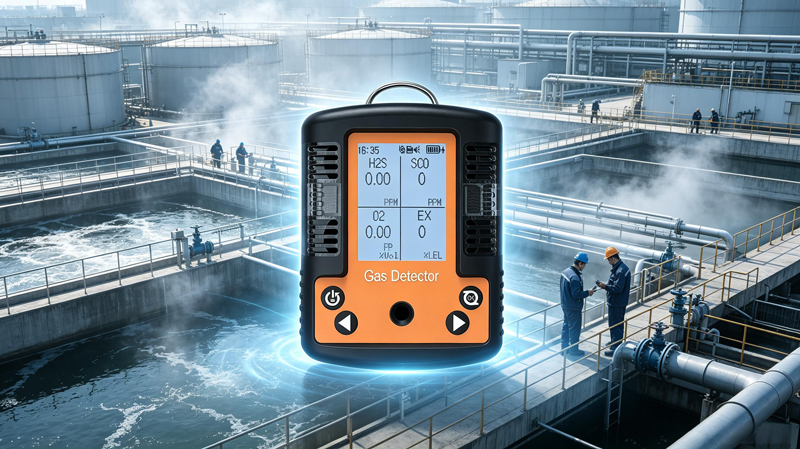
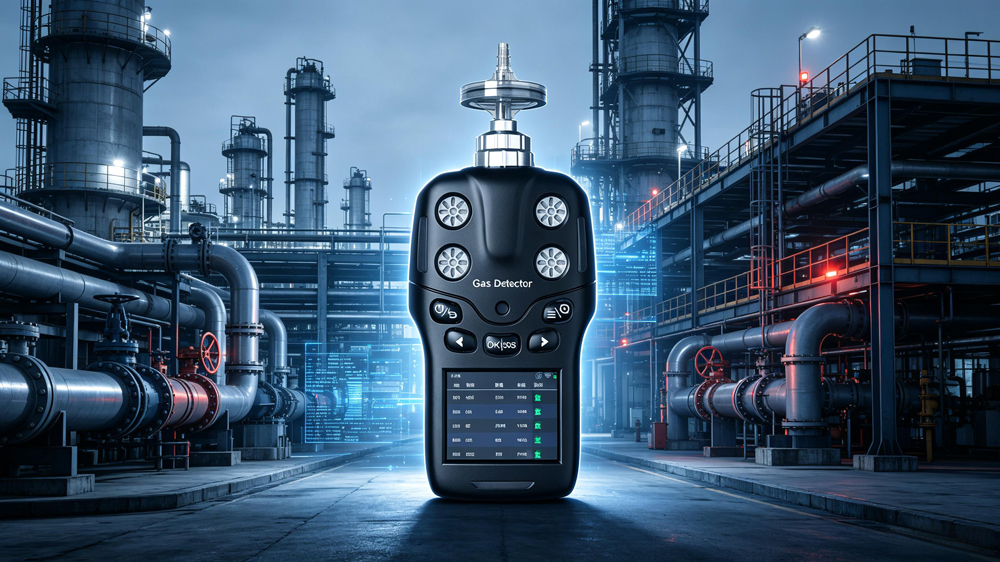
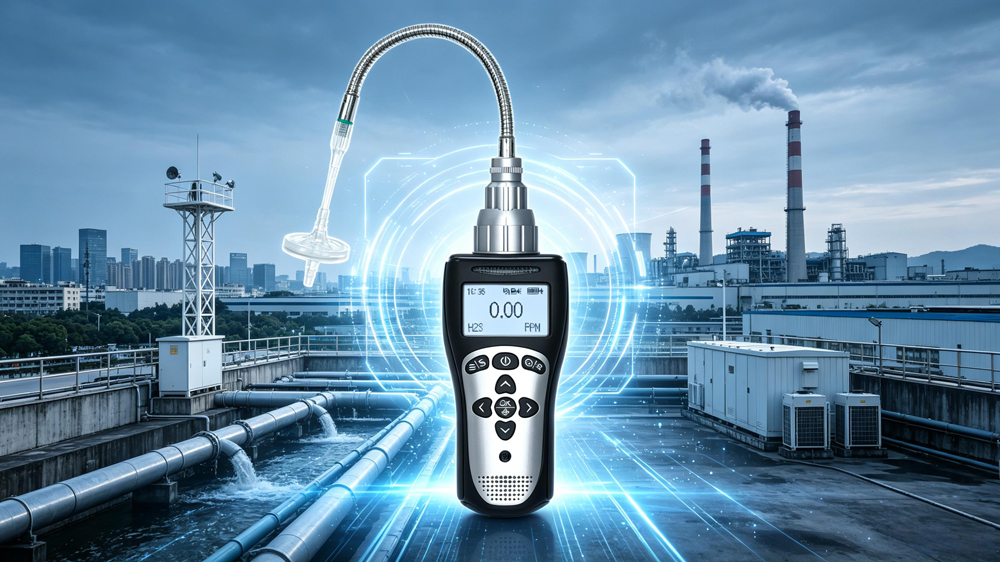
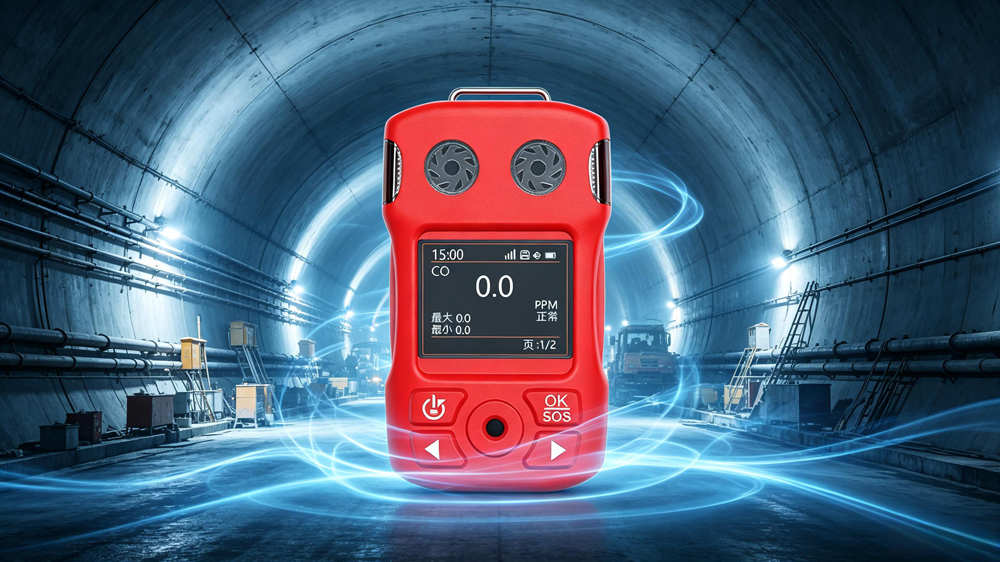
Before beginning the shutdown process, it is essential to have a basic understanding of the four-in-one detectors. Typically, it consists of a display screen, control buttons, sensor modules, and a battery. The display screen shows detection data and device status information; the control buttons manage various functions such as power on/off and menu selection; the sensor modules detect specific gas concentrations and other parameters; and the battery provides power to the device. Understanding these basic components facilitates smoother shutdown procedures.
Preparations Before Shutdown
Preparatory steps before shutdown are critical to prevent equipment damage from improper handling. First, ensure the detector is in a safe environment. If it has just completed a detection task—especially for toxic or hazardous gases—relocate it to a well-ventilated area free of dangerous gases. This is because residual hazardous gases may continue to affect the sensors. Placing the device in a safe environment before shutdown reduces this potential risk. Second, inspect the device for any abnormalities, such as unusual display readings or unusual sounds. If abnormalities are detected, do not rush to shut down the device. Instead, record the abnormal phenomena for subsequent troubleshooting.
Shutdown Procedure
Step 1: Access the Shutdown Menu
Most four-in-one detectors feature intuitive button layouts. Locate the “Menu” key, typically clearly labeled. Pressing this key displays a menu selection screen. Use the directional keys (up, down, left, right) to navigate the menu and select the “Power Off” or equivalent option. Menu layouts may vary slightly across different brands and models, but the general approach remains consistent. If unfamiliar with menu navigation, consult the device's user manual for detailed instructions.
Step 2: Confirm Shutdown Operation
After selecting the “Power Off” option, the device will typically display a confirmation prompt asking if you are sure you want to shut down. This prevents accidental shutdowns due to user error. Press the “Confirm” key—usually labeled ‘OK’ or “Enter”—to proceed. The device will then begin the shutdown process.
Step 3: Wait for the Device to Shut Down Completely
After pressing the confirmation button, do not immediately disconnect the power or perform other actions. Wait patiently for the device to complete the shutdown process. During shutdown, the display may gradually dim or show progress information. When the display is completely off, the device emits no sounds, and all indicator lights stop flashing, the device is fully powered down.
Post-Shutdown Precautions
After shutdown, store the tester properly. If the device comes with a dedicated protective case or storage box, place it inside to prevent damage from impacts, scratches, etc. Additionally, avoid storing the tester in high-temperature, humid, or strong magnetic field environments, as these conditions may affect the device's performance and lifespan. Furthermore, if the device will remain unused for an extended period, it is recommended to periodically recharge the battery to maintain its vitality and prevent damage from excessive discharge.
While properly shutting down the four-in-one detectors may seem straightforward, each step is crucial for the device's normal operation and longevity. We hope the above information helps international users easily master the shutdown procedure for the four-in-one detectors, ensuring the device remains in optimal working condition at all times.
Related information
-
How to Calibrate a Portable four-in-one Gas Detectors?
Portable four-in-one gas detectors are core protective equipment in the industrial safety field. However, sensors can experience z...
2026-09-18 -
What are the application scenarios for portable four-in-one gas detectors?
Portable four-in-one gas detectors typically monitor oxygen (O₂), flammable gas (LEL), carbon monoxide (CO), and hydrogen sulfide...
2026-09-16 -

Portable four-in-one Gas Detectors User Manual
The portable four-in-one gas detectors is a core piece of personal protective equipment (PPE) for ensuring the safety of personnel...
2026-09-14 -

Calibration Specifications for Ammonia gas Detectors
Calibration of ammonia gas detectors is a core step in ensuring their measurement accuracy and alarm reliability. However, ammonia...
2026-09-11 -
What is the appropriate installation height for an ammonia gas detectors?
Ammonia (NH₃) has a relative density of only 0.59, much lighter than air. This means that in the event of a leak, the gas will qu...
2026-09-09








 info@eranntexgas.com sale1@eranntexgas.com


 15914124845