
The four-in-one detectors keeps sounding an alarm. How do I troubleshoot it?
In industrial safety, the four-in-one detectors serves as the first line of defense for protecting workers' lives. However, when this defense itself malfunctions—such as when the device continuously sounds an alarm—it not only disrupts normal operations but may also mask genuine safety hazards, leading users to lose trust in the equipment. A persistent alarm is a clear signal indicating issues with either the device or the environment. For overseas users, mastering a systematic troubleshooting process is crucial. Below, the FourYiyuntian Eranntex team will guide you step-by-step through troubleshooting, from simplest to most complex solutions, ensuring your four-in-one detectors returns to reliable operation.
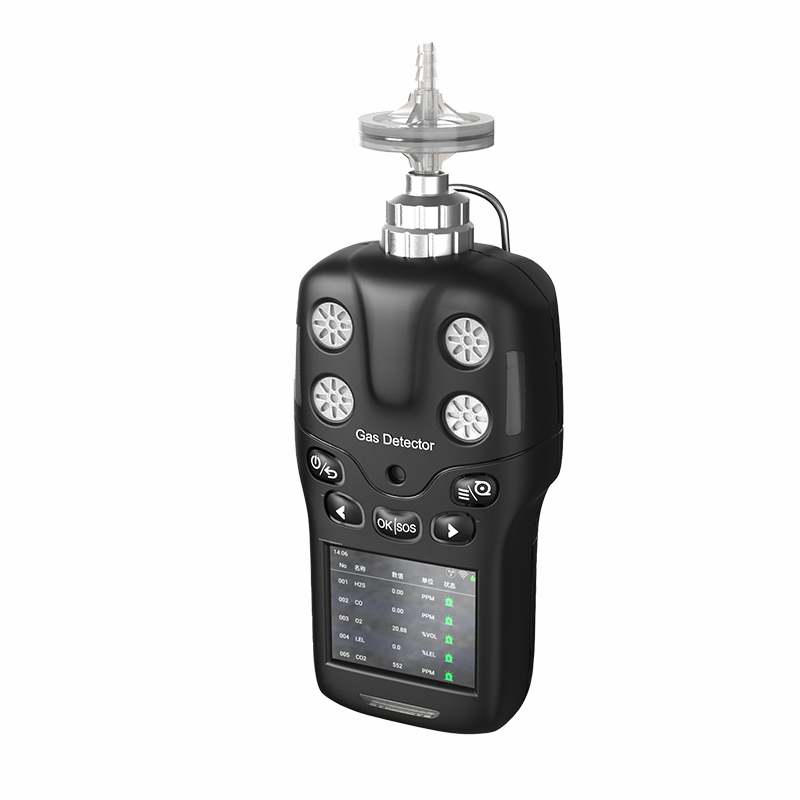
Step 1: Safety First—Immediately Assess and Evacuate
Before any troubleshooting, prioritize safety above all. The primary assumption for a persistent alarm is: hazardous gases are present in the environment.
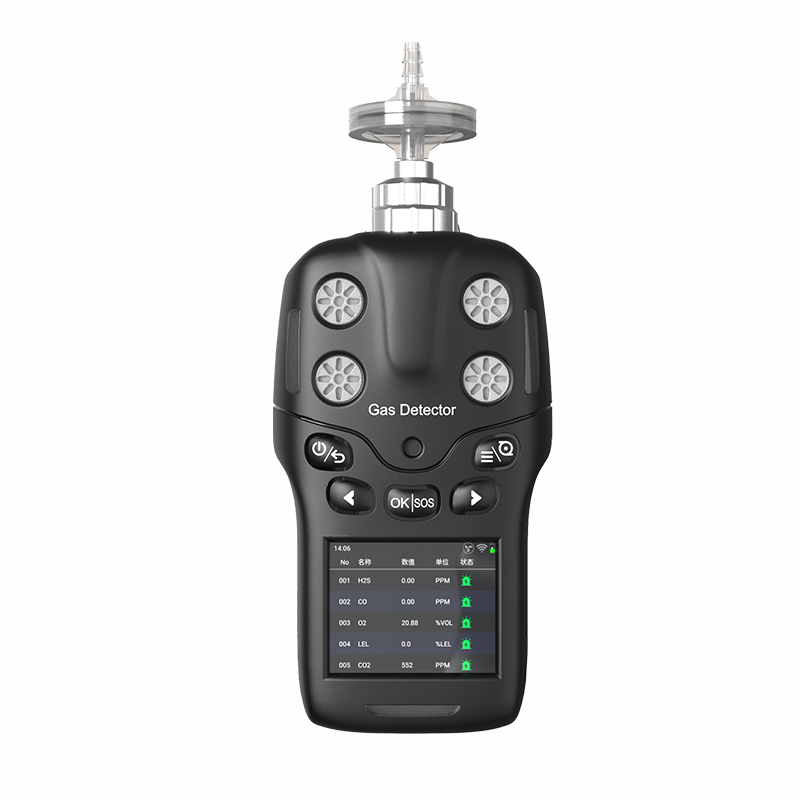
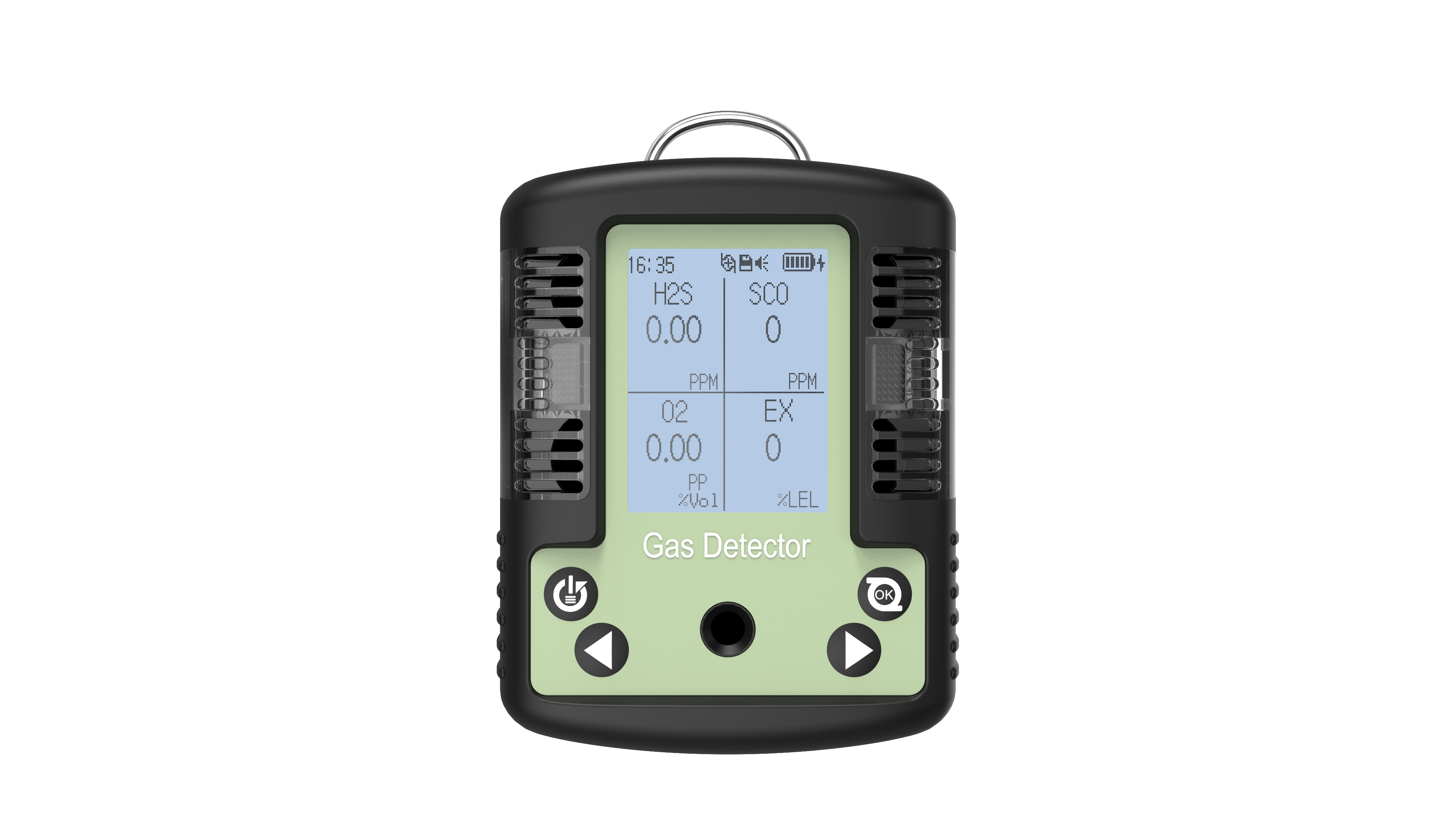
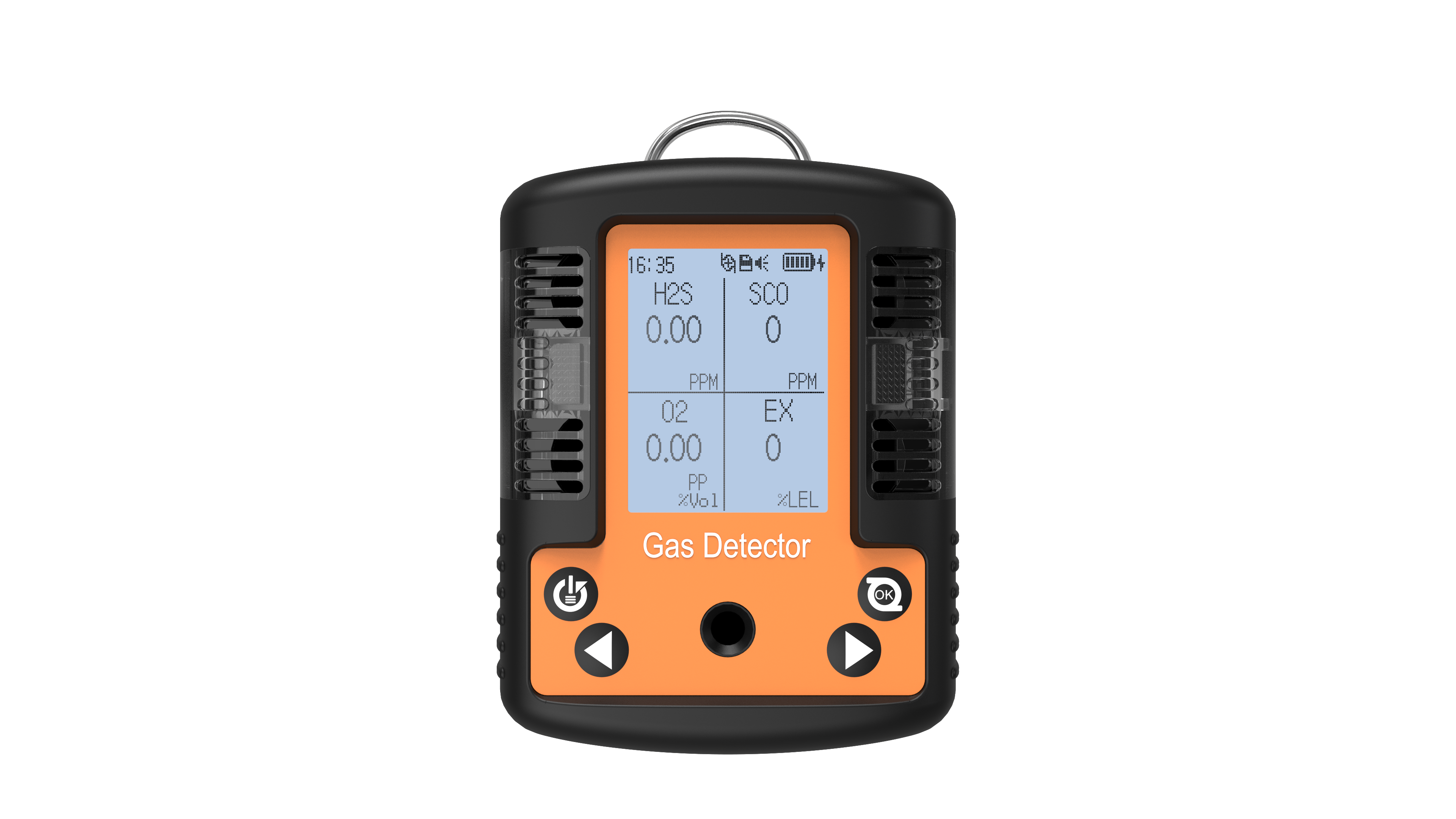
Check the display immediately: Identify which gas triggered the alarm. Is it low/high oxygen (O₂)? Excessive combustible gas (LEL)? Or elevated carbon monoxide (CO) or hydrogen sulfide (H₂S) levels?
Follow safety protocols: Regardless of whether the alarm is genuine, immediately act according to your company's safety procedures. This typically means evacuating to a safe area without delay.
Never ignore an alarm: Never dismiss an alarm based on the assumption that it is a “false alarm.” Only after confirming the environment is safe should you begin inspecting the device itself.
Only after you and your team are in a confirmed safe location should you proceed with the following troubleshooting steps.
Step 2: Basic Troubleshooting—From Simple to Complex
Once in a safe environment, you can begin preliminary checks on the device. Many persistent alarm issues stem from simple yet often overlooked factors.
Perform a functional test: This is the most direct diagnostic method. Conduct a bump test using a known concentration of bump gas. If the device alarms correctly upon exposure to the bump gas and returns to safe readings in fresh air, the previous persistent alarm was likely caused by a genuine environmental event rather than a device malfunction.
Check device settings: Verify that alarm thresholds are not mistakenly set too low. Some devices allow user-defined alarm points; misconfiguration may trigger alarms in normal conditions. Reset settings to factory defaults and retest.
Physical cleaning and inspection: Examine whether the sensor inlet or waterproof/dustproof membrane is clogged with dust, grease, or liquid. A blocked sensor may fail to sample air properly, causing abnormal readings. Gently clean the sensor area using a soft dry cloth or compressed air.
Step 3: Advanced Diagnostics—Calibration and Sensor Issues
If basic troubleshooting fails to resolve the issue, the problem likely lies with the device's “heart”—the sensor or calibration data.
Perform a Full Calibration: Sensors drift over time, causing readings to deviate from actual values. A full calibration re-adjusts the sensor's zero point and sensitivity. Successful calibration typically resolves the issue. If calibration fails or alarms persist afterward, this strongly indicates sensor damage or end-of-life.
Assess Sensor Health: Most modern quad-sensor detectors provide sensor status information. Check the screen menu for prompts regarding sensor lifespan, error codes, or health status. If the device indicates sensor failure, end-of-life, or similar messages, the only solution is to replace the sensor.
Consider cross-interference: In certain environments, non-target gases may interfere with sensors, causing false alarms. For example, high concentrations of hydrogen can affect catalytic combustion LEL sensors. If your workspace presents this possibility, contact the equipment manufacturer for solutions.
Step 4: When Self-Troubleshooting Fails—Seek Professional Support
If you've completed all the above steps and the device continues to alarm persistently, the issue may exceed the scope of on-site troubleshooting. At this point, seeking professional assistance is the most efficient and safest option.
Contact the manufacturer or authorized distributor: This is the preferred channel for assistance. They possess the most specialized technical knowledge and genuine manufacturer spare parts. Prepare your device model, serial number, and a list of all troubleshooting steps attempted. This will expedite their diagnosis.
Return to the Manufacturer or Certified Service Center: The device may have internal circuit board failures, software issues, or hardware damage requiring specialized tools for repair. Sending it to a certified repair center for comprehensive inspection and calibration is the only way to restore it to factory standards.
Never disassemble the device yourself: The four-in-one detectors is a precision electronic instrument. Non-professional disassembly may not only cause permanent damage but also compromise its explosion-proof certification, creating safety hazards.
Conclusion: From “Troubleshooting” to “Prevention”
Persistent alarms in four-in-one detectors are serious issues, but systematic troubleshooting resolves most cases. For international users, the key lies in adopting a mindset of “safety first, logical troubleshooting, and professional assistance.” More importantly, regular functional testing, calibration, and proper maintenance can prevent such problems at their source. Remember: Your detector safeguards lives. Treat it well, and it will protect you when it matters most.
Related information
-
How to Calibrate an Oxygen Detectors to Ensure Accuracy?
In fields such as industrial safety, confined space operations, environmental monitoring, and even medical support, the measuremen...
2026-01-14 -
What is the measurement range of an oxygen detectors?
Oxygen detectors are indispensable equipment in industrial safety, environmental monitoring, and confined space operations. Accura...
2026-01-13 -
What is the normal oxygen concentration for an oxygen detectors?
Oxygen (O₂) is a vital gas for sustaining human life and most combustion processes. However, both excessively high and low oxygen...
2026-01-12 -
How Do Nitrogen Oxide Detectors Work?
Against a backdrop of growing global concern over air quality and emissions compliance, the precise monitoring of nitrogen oxides ...
2026-01-09 -
Operating Instructions for Nitrogen Oxide Detectors
Nitrogen oxides (NOₓ, primarily comprising nitrogen monoxide NO and nitrogen dioxide NO₂) are significant atmospheric pollutants...
2026-01-07
 info@eranntexgas.com


 13480931872