
How to Shut Down a Four-in-One Detectors?
For users of four-in-one detectors, proper shutdown not only extends the device's lifespan but also ensures accurate data and stable performance during subsequent use. Below, Yiyuntian Eranntex provides a detailed guide on the shutdown procedure and related precautions.
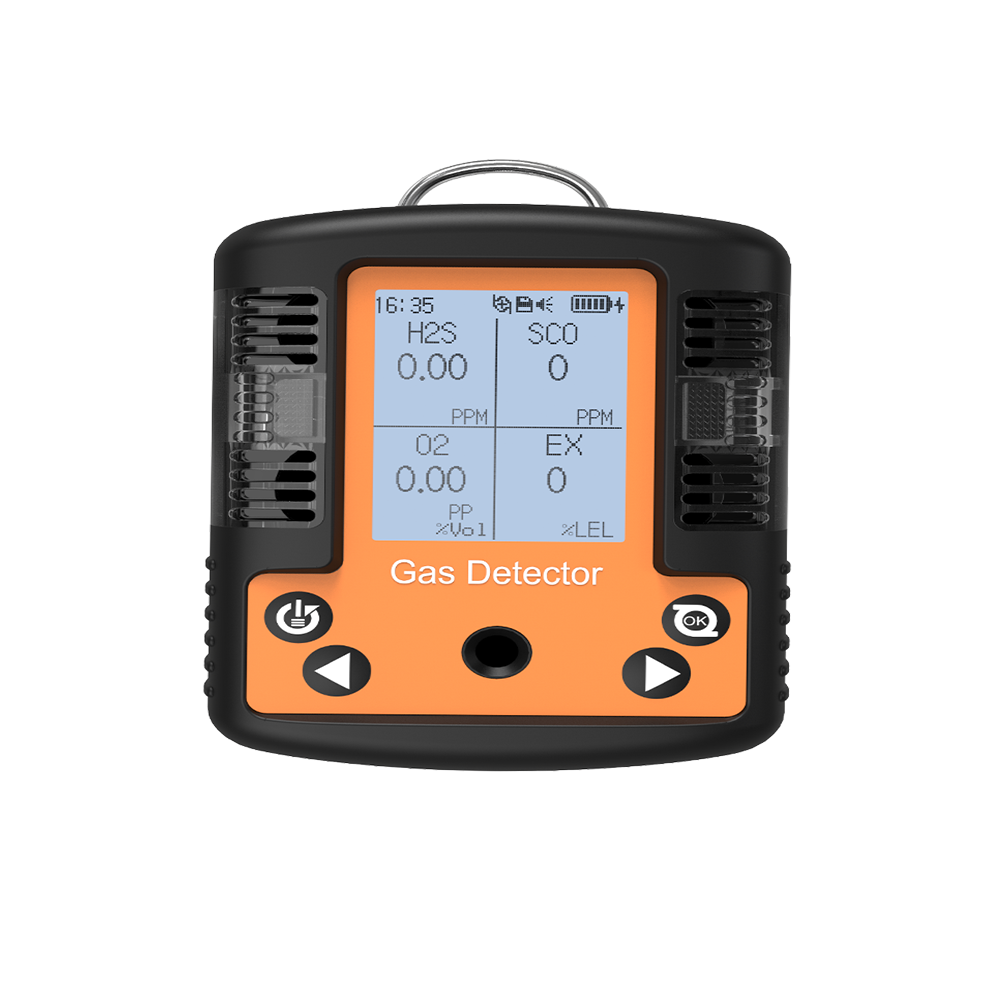
Understanding the Basic Structure of a Four-in-One Detectors
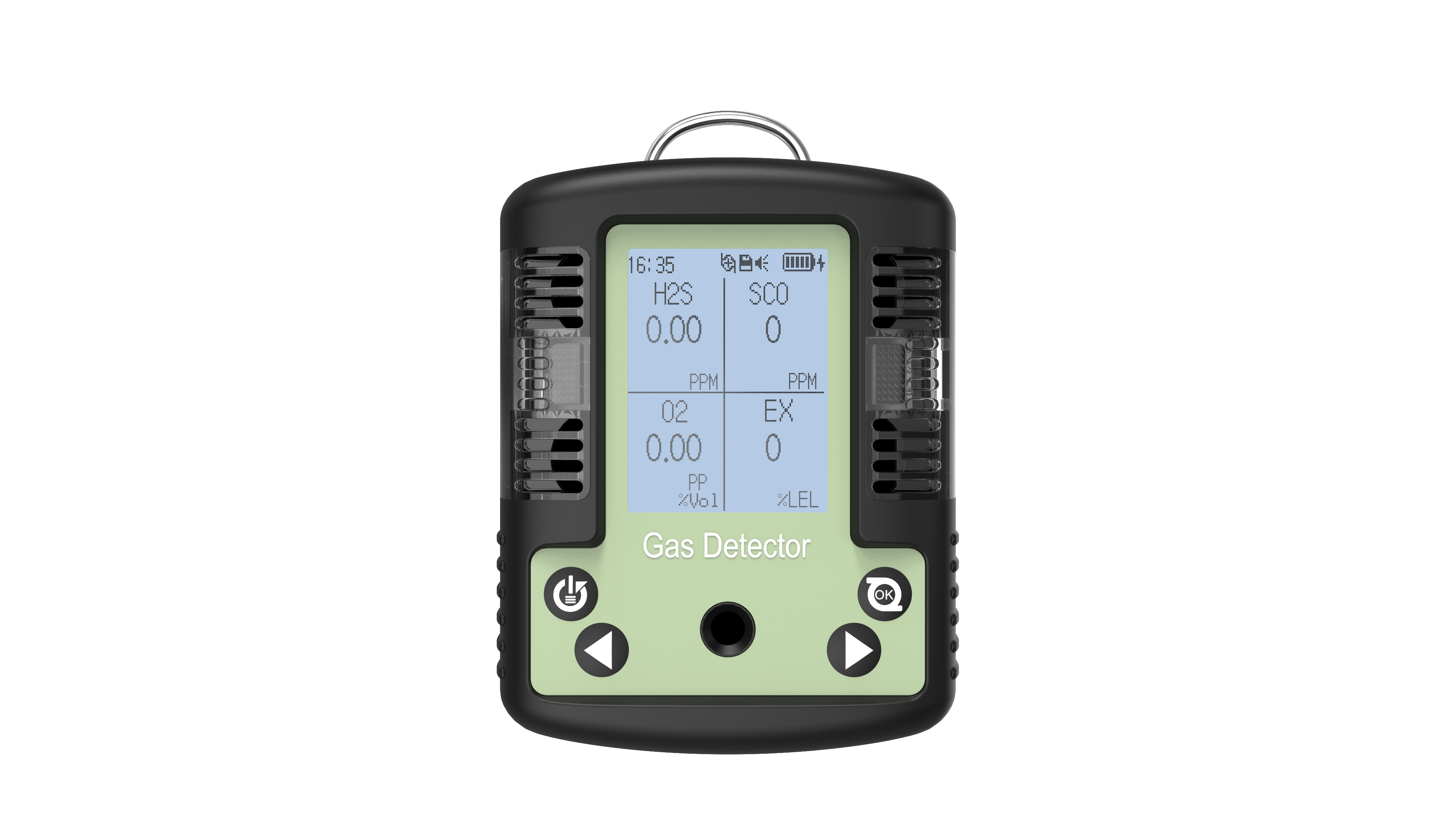
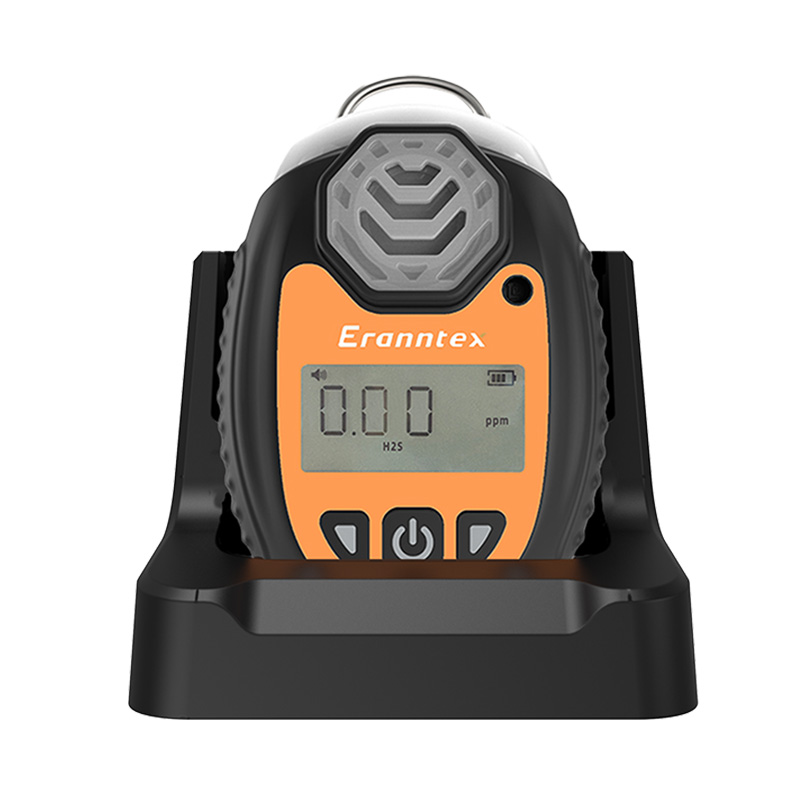
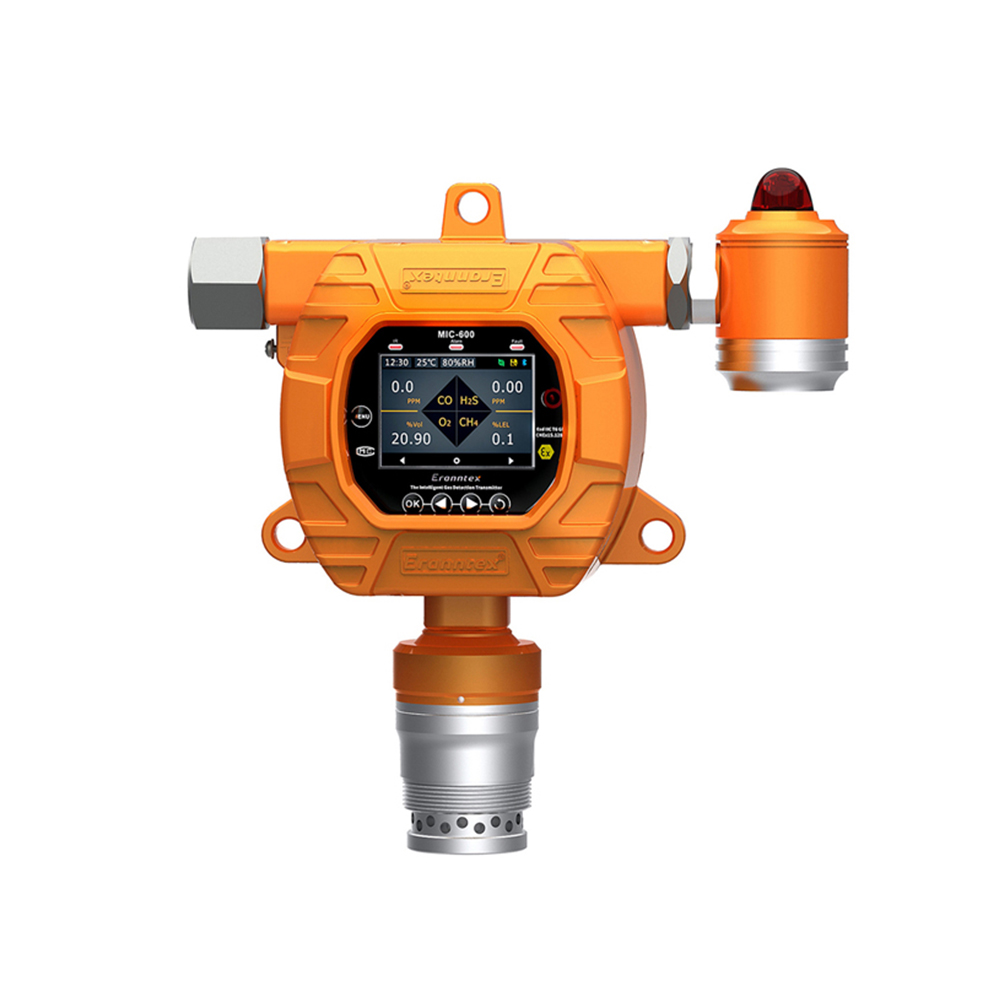
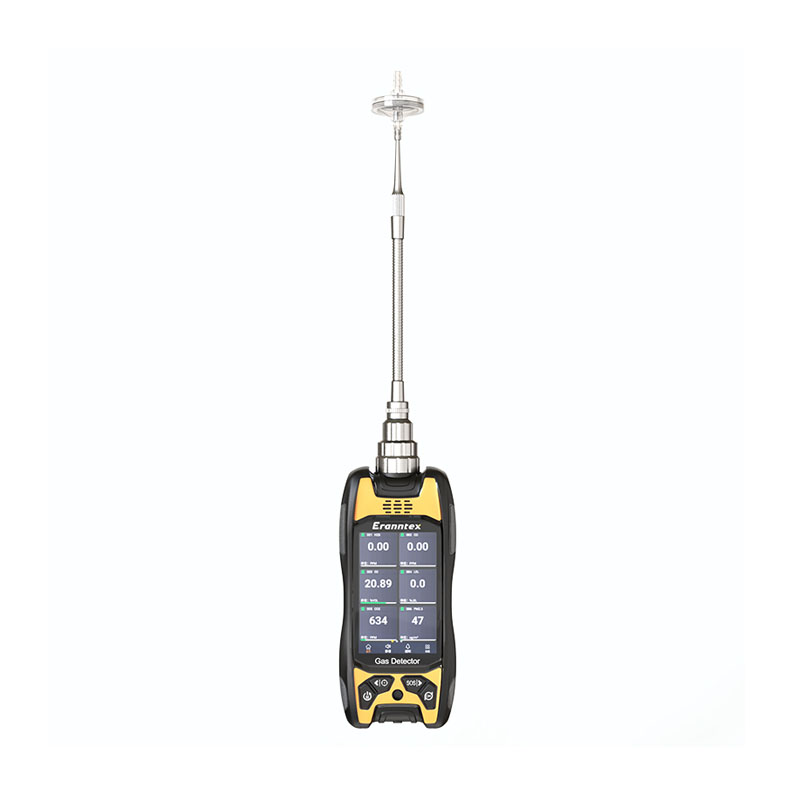
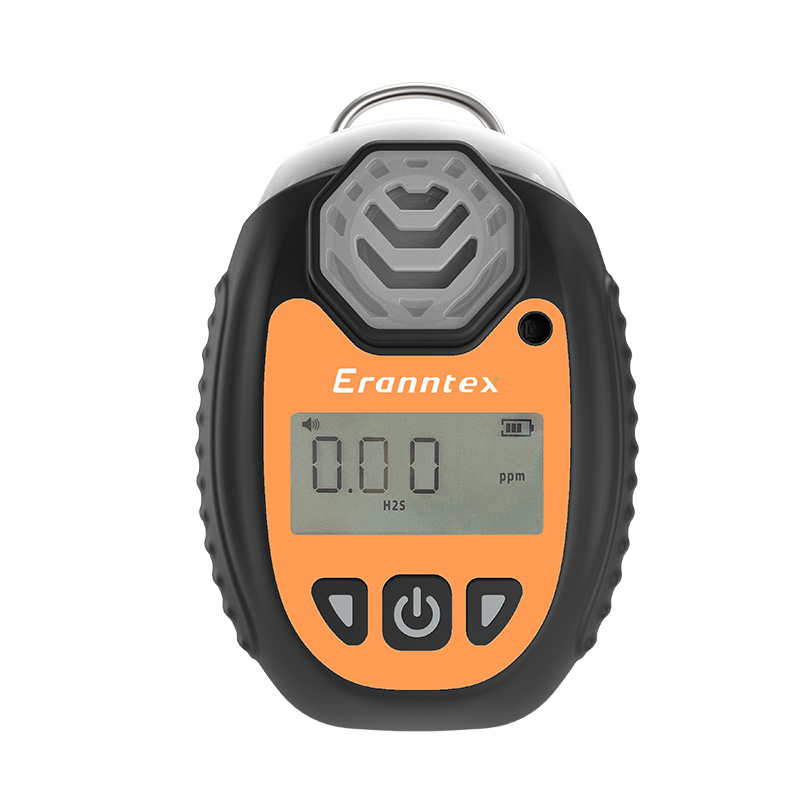
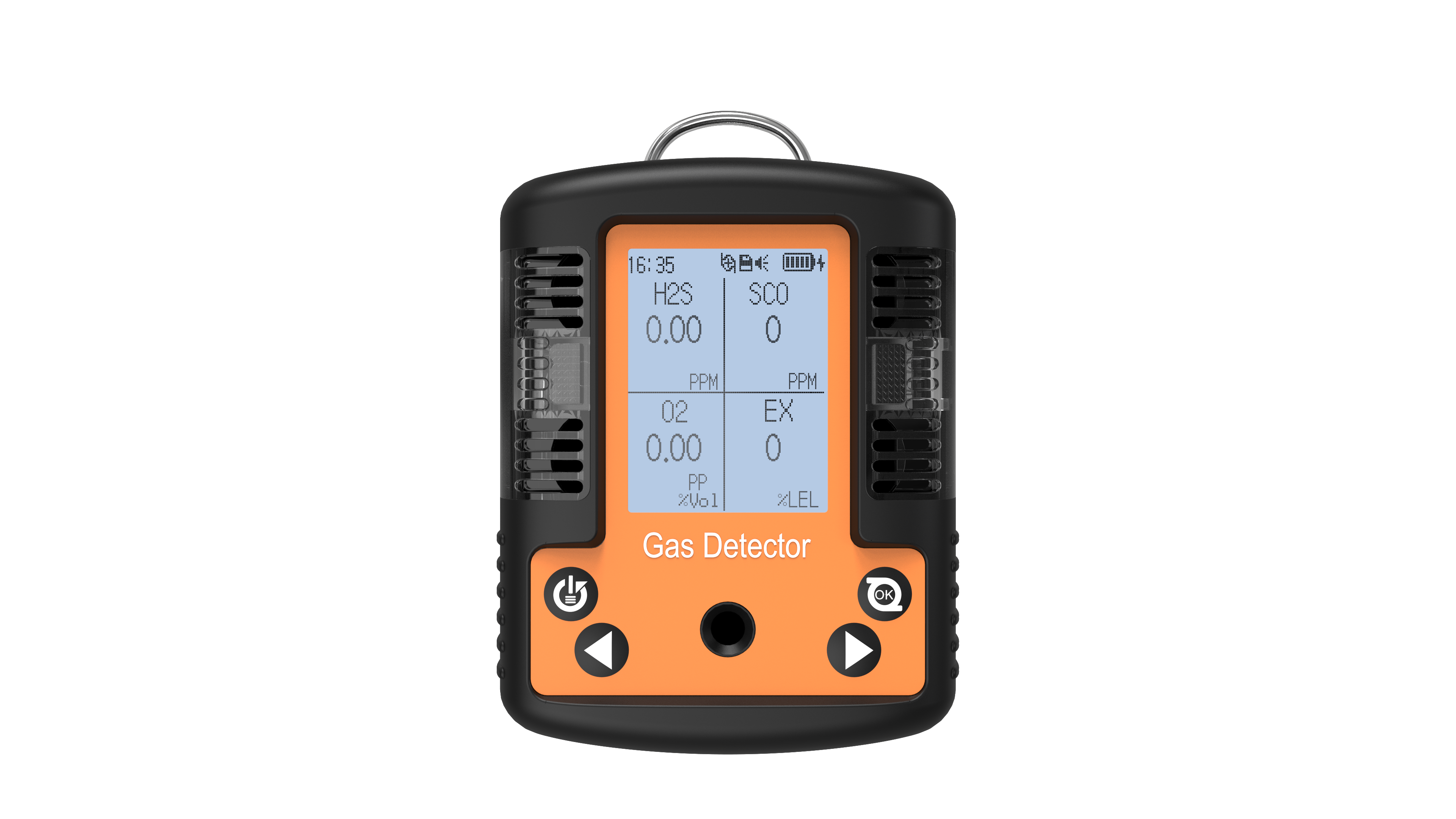
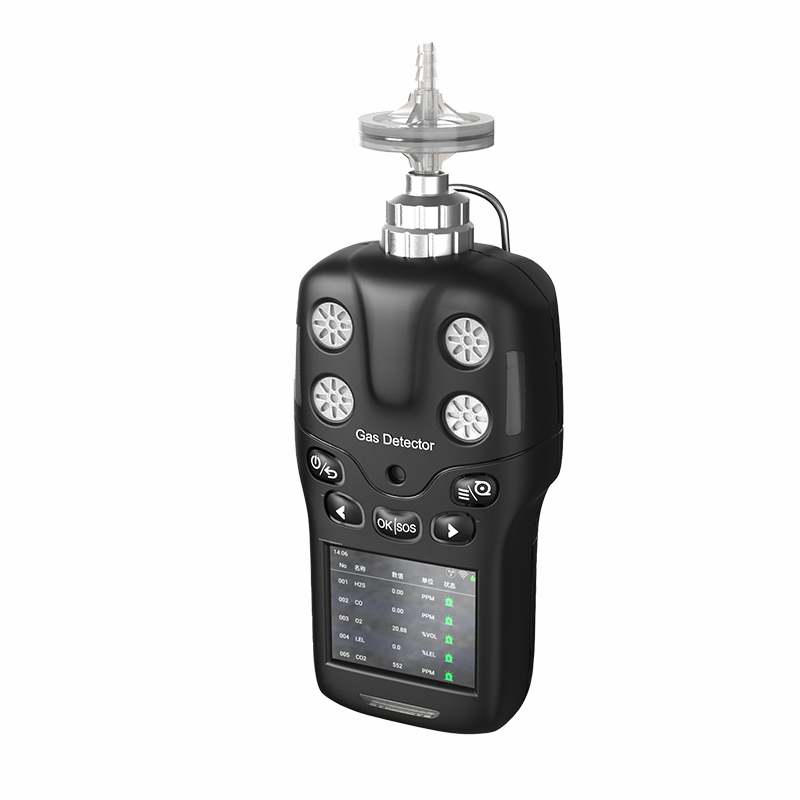
Before beginning the shutdown process, it is essential to have a basic understanding of the four-in-one detectors. Typically, it consists of a display screen, control buttons, sensor modules, and a battery. The display screen shows detection data and device status information; the control buttons manage various functions such as power on/off and menu selection; the sensor modules detect specific gas concentrations and other parameters; and the battery provides power to the device. Understanding these basic components facilitates smoother shutdown procedures.
Preparations Before Shutdown
Preparatory steps before shutdown are critical to prevent equipment damage from improper handling. First, ensure the detector is in a safe environment. If it has just completed a detection task—especially for toxic or hazardous gases—relocate it to a well-ventilated area free of dangerous gases. This is because residual hazardous gases may continue to affect the sensors. Placing the device in a safe environment before shutdown reduces this potential risk. Second, inspect the device for any abnormalities, such as unusual display readings or unusual sounds. If abnormalities are detected, do not rush to shut down the device. Instead, record the abnormal phenomena for subsequent troubleshooting.
Shutdown Procedure
Step 1: Access the Shutdown Menu
Most four-in-one detectors feature intuitive button layouts. Locate the “Menu” key, typically clearly labeled. Pressing this key displays a menu selection screen. Use the directional keys (up, down, left, right) to navigate the menu and select the “Power Off” or equivalent option. Menu layouts may vary slightly across different brands and models, but the general approach remains consistent. If unfamiliar with menu navigation, consult the device's user manual for detailed instructions.
Step 2: Confirm Shutdown Operation
After selecting the “Power Off” option, the device will typically display a confirmation prompt asking if you are sure you want to shut down. This prevents accidental shutdowns due to user error. Press the “Confirm” key—usually labeled ‘OK’ or “Enter”—to proceed. The device will then begin the shutdown process.
Step 3: Wait for the Device to Shut Down Completely
After pressing the confirmation button, do not immediately disconnect the power or perform other actions. Wait patiently for the device to complete the shutdown process. During shutdown, the display may gradually dim or show progress information. When the display is completely off, the device emits no sounds, and all indicator lights stop flashing, the device is fully powered down.
Post-Shutdown Precautions
After shutdown, store the tester properly. If the device comes with a dedicated protective case or storage box, place it inside to prevent damage from impacts, scratches, etc. Additionally, avoid storing the tester in high-temperature, humid, or strong magnetic field environments, as these conditions may affect the device's performance and lifespan. Furthermore, if the device will remain unused for an extended period, it is recommended to periodically recharge the battery to maintain its vitality and prevent damage from excessive discharge.
While properly shutting down the four-in-one detectors may seem straightforward, each step is crucial for the device's normal operation and longevity. We hope the above information helps international users easily master the shutdown procedure for the four-in-one detectors, ensuring the device remains in optimal working condition at all times.
Related information
-
How to Calibrate an Oxygen Detectors to Ensure Accuracy?
In fields such as industrial safety, confined space operations, environmental monitoring, and even medical support, the measuremen...
2026-01-14 -
What is the measurement range of an oxygen detectors?
Oxygen detectors are indispensable equipment in industrial safety, environmental monitoring, and confined space operations. Accura...
2026-01-13 -
What is the normal oxygen concentration for an oxygen detectors?
Oxygen (O₂) is a vital gas for sustaining human life and most combustion processes. However, both excessively high and low oxygen...
2026-01-12 -
How Do Nitrogen Oxide Detectors Work?
Against a backdrop of growing global concern over air quality and emissions compliance, the precise monitoring of nitrogen oxides ...
2026-01-09 -
Operating Instructions for Nitrogen Oxide Detectors
Nitrogen oxides (NOₓ, primarily comprising nitrogen monoxide NO and nitrogen dioxide NO₂) are significant atmospheric pollutants...
2026-01-07
 info@eranntexgas.com


 13480931872